Resolving 'Installer Error Requirements Not Met'
info
In this article we show you how to resolve the installer error, which states that requirements have not been met, even though the proper versions of .NET and Office are installed on the system.
During an installation, if you receive the following message even though the proper versions of .NET and Office are installed on the system:
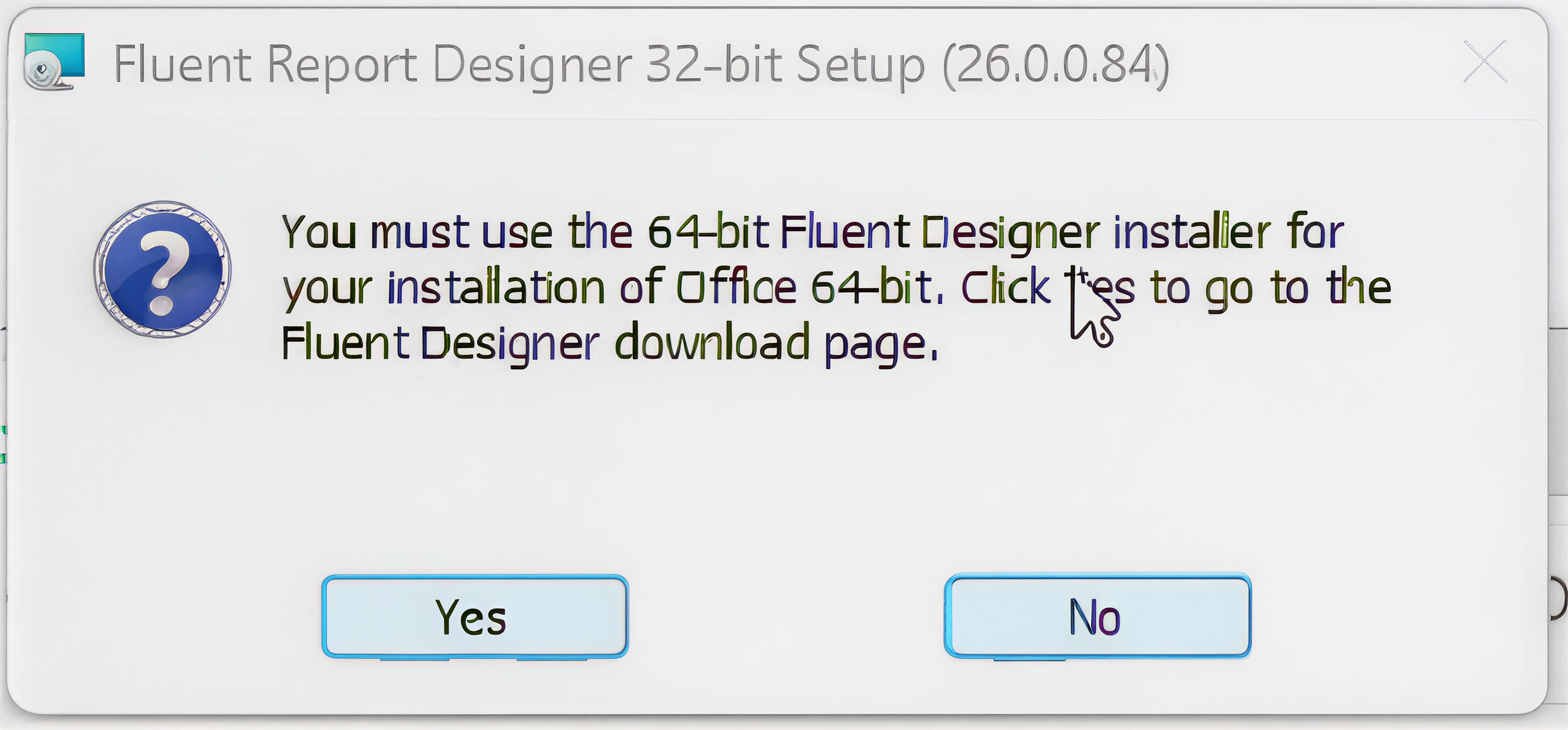
Open the command prompt and run the following command from the location where you saved your .msi file:
<filename>.msi SKIPCHECKS="1"
tip
filename.msi is replaced by whatever your .msi is named, such as WindwardDesktopSetup.msi.